Game Programmer/Developer
Playing video games the majority of my life made me reach a point where I wanted a new type of challenge
and for me this was developing video games myself. This was something, a few years ago, I never thought I
was capable of, and now here I am having made several games after rigorous study and practice of engines
such as Unity and Unreal to the accompanying programming languages C# and C++.
I have worked for a
small game studio as a gameplay programmer and even tried my hand at app development as part of a start-up.
Throughout this journey I have also developed interests in things such as AI, LLMs, robotics and any
technological advancements that will ultimately help people.
(This website was made using HTML, CSS
and Javascript)
Skills
Experience
Education
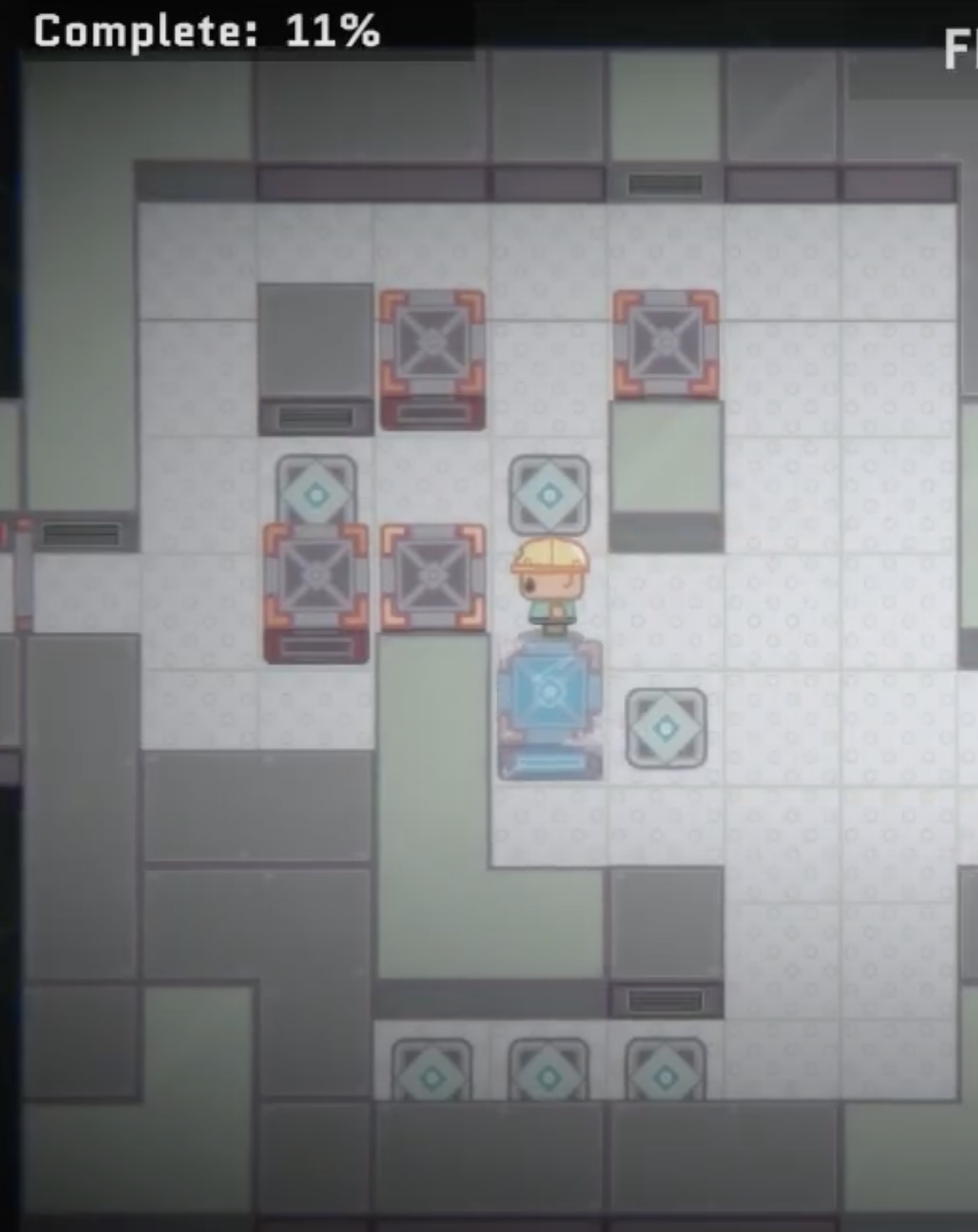
While working as gameplay programmer at Nerd Monkeys I worked on several projects, one being So Cold Barn. During this time I was introduced to many gameplay programming concepts such as how C# events give more control and allow multiple functions to be called from different scripts. I was also able to improve my teamwork skills and brainstorm with other programmers (some more experienced than me) how we can turn requested features into fruition, mainly via scripting. Along the way, I improved my debugging skills within code and game engine integration. This required a deep understanding of the scripts (including ones I did not work on previously) in order to find the issue and implement a solution. I enjoyed the creativity from working on gameplay features as well finding creative solutions to bugs. Below is a script I made to spawn a number of consumables (pills, in this case) into a level based on the previous level's completion percentage.
public class FloorPillActivation : MonoBehaviour
{
[SerializeField] private GameState _gameState;
[SerializeField] private GameInfo _gameInfo;
void Start()
{
ActivatePillsBasedOnCompletion();
}
private void ActivatePillsBasedOnCompletion()
{
GameObject [] allPills = GameObject.FindGameObjectsWithTag("Pill");
Debug.Log("Total pills: " + allPills.Length);
foreach(GameObject pill in allPills)
{
pill.SetActive(false);
}
int currentLevelIndex = _gameInfo.CurrentLevel - 1;
float previousLevelCompletion = _gameState.FloorCompletionPercentages[currentLevelIndex - 1];
float targetPercentage = previousLevelCompletion / 100f;
Debug.Log("Target percentage: " + targetPercentage);
int numPillsToActivate = Mathf.RoundToInt(targetPercentage * allPills.Length);
if (numPillsToActivate > allPills.Length)
{
numPillsToActivate = allPills.Length;
}
List activatedPillIndices = new List();
while (activatedPillIndices.Count < numPillsToActivate)
{
int randomIndex = Random.Range(0, allPills.Length);
if (!activatedPillIndices.Contains(randomIndex))
{
activatedPillIndices.Add(randomIndex);
allPills[randomIndex].SetActive(true);
Debug.Log("Selected index: " + randomIndex + ", Activated pills: " + activatedPillIndices.Count);
}
}
}
}
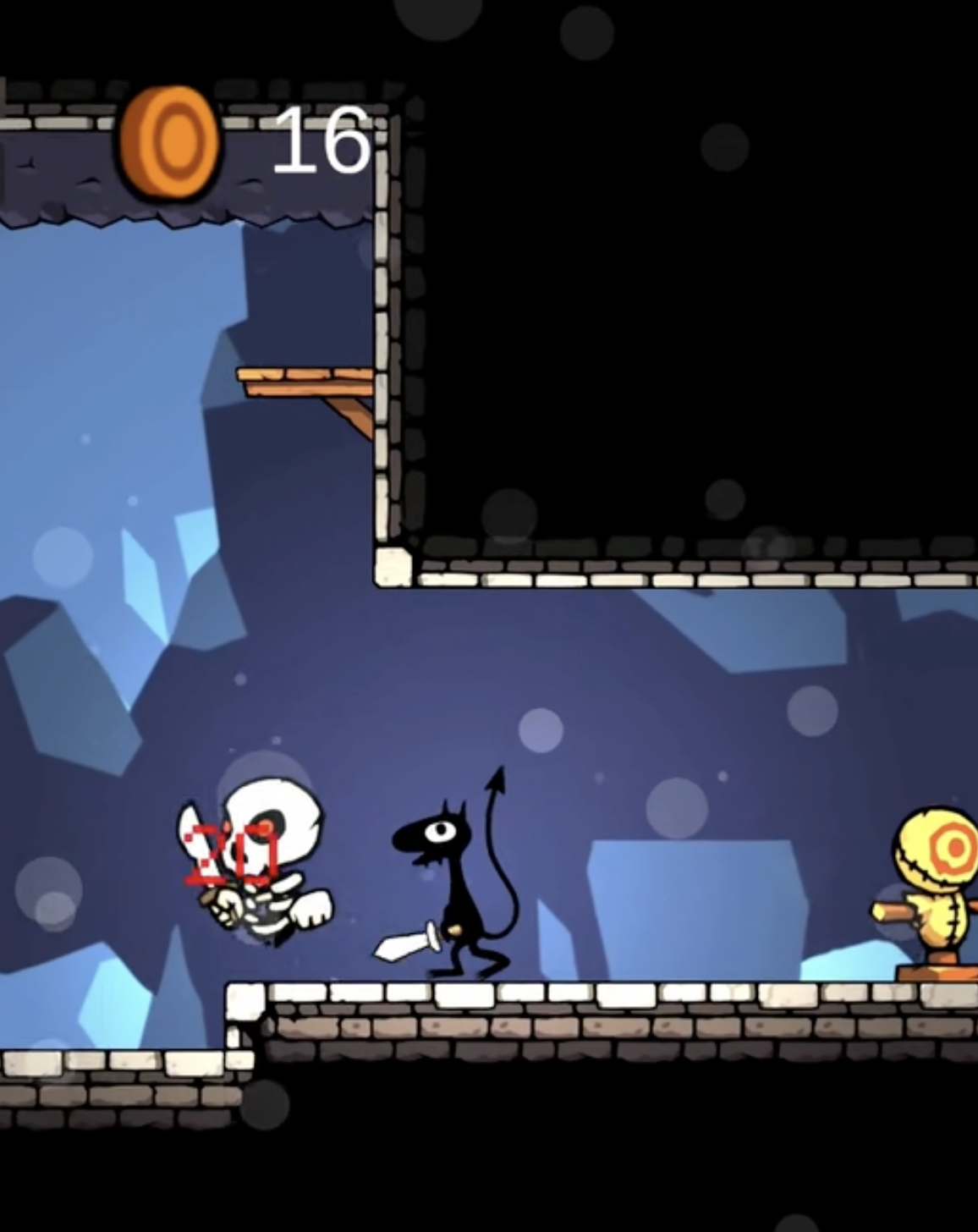
During the Game Development Bootcamp with Playback Studio, we were tasked with making our own complete game. Through trial and error and researching specific features I wanted for my game, I became very comfortable with Unity and C# and I believe this method of learning was much more valuable than doing a course or traditional learning. Such features I explored in this game were: AI enemies, cliff detection, player attack detection, parallax background, particle system, health and damage for characters, player movement, character animations and rigging characters. Below is the C# code for my "damageable" script, which enables my player and enemies to take damage to their health when hit.
public class Damageable : MonoBehaviour
{
public UnityEvent damageableHit;
public UnityEvent damageableDeath;
public UnityEvent healthChanged;
public UIManager gameManager;
Animator animator;
[SerializeField]
private int _maxHealth = 100;
private bool isDead;
public int MaxHealth
{
get
{
return _maxHealth;
}
set
{
_maxHealth = value;
}
}
[SerializeField]
private int _health = 100;
public int Health
{
get
{
return _health;
}
set
{
_health = value;
healthChanged?.Invoke(_health, MaxHealth);
if(_health <= 0 && !isDead)
{
isDead = true;
IsAlive = false;
gameManager.gameOver();
}
}
}
[SerializeField]
private bool _isAlive = true;
[SerializeField]
private bool isInvincible = false;
private float timeSinceHit = 0;
public float invincibilityTime = 0.25f;
public float lockTime = 0.5f;
public bool IsAlive {
get
{
return _isAlive;
}
set
{
_isAlive = value;
animator.SetBool("isAlive", value);
Debug.Log("IsAlive set " + value);
if(value == false)
{
damageableDeath.Invoke();
}
}
}
public bool LockVelocity {
get
{
return animator.GetBool("lockVelocity");
}
set{
animator.SetBool("lockVelocity", value);
}
}
private void Awake()
{
animator = GetComponent();
}
private void Update()
{
if(isInvincible)
{
if(timeSinceHit > invincibilityTime)
{
// Remove invincibility
isInvincible = false;
timeSinceHit = 0;
}
timeSinceHit +=Time.deltaTime;
}
}
public bool Hit(int damage, Vector2 knockback)
{
if(IsAlive && !isInvincible)
{
Health -= damage;
isInvincible = true;
// Notify other subscribed components that the damageable was hit to handle the knockback
animator.SetTrigger("hit");
LockVelocity = true;
damageableHit?.Invoke(damage, knockback);
CharacterEvents.characterDamaged.Invoke(gameObject, damage);
return true;
}
return false;
}
public bool Heal(int healthRestore)
{
if(IsAlive && Health < MaxHealth)
{
int maxHeal = Mathf.Max(MaxHealth - Health, 0);
int actualHeal = Mathf.Min(maxHeal, healthRestore);
Health += actualHeal;
CharacterEvents.characterHealed(gameObject, actualHeal);
return true;
}
return false;
}
The video above shows how the app looks and functions in the way I designed it. I took the time to consider the look and feel of each element, to make sure the user experience was a friendly experience. This is an ongoing project, that I started designing in Figma, where I then implemented into Flutter/Dart code. I will continue to perfect it, taking into account feedback at all times, and revising accordingly. Below is a sample of code for the bloqi button.
Click here if video does not play.
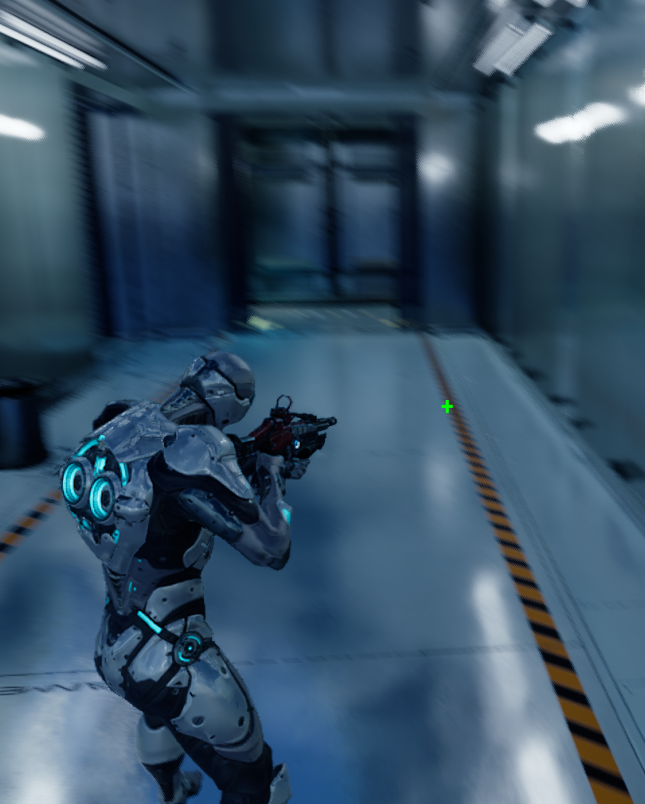
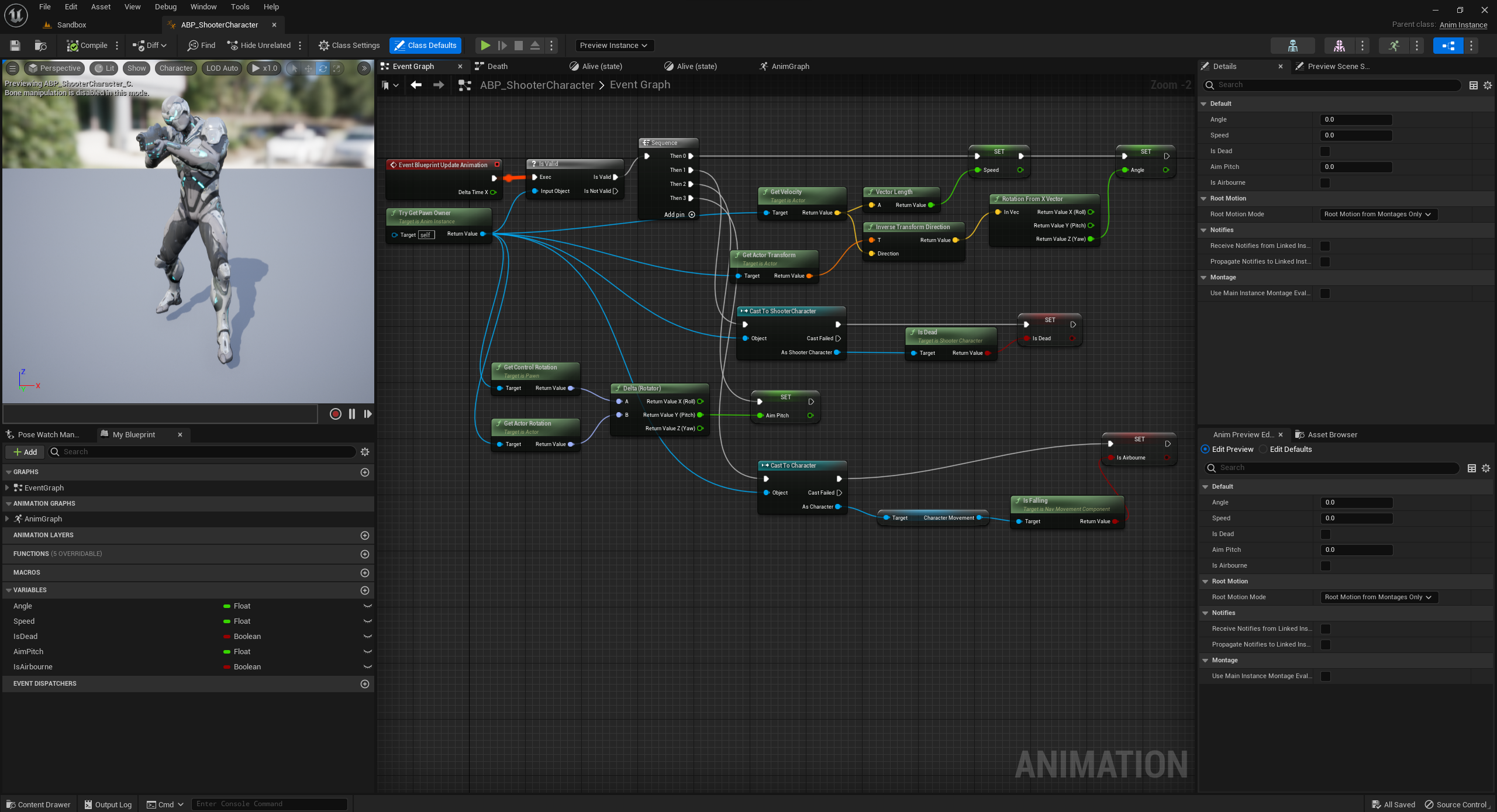
The clip above shows a short shooter game where the objective is to kill all the enemies. Developing this game helped me better understand shooting mechanics, AI characters, player and character movement and animation. At first, I had difficulty using the animation event graph (pictured above) and making the animations sync with the movement and behave the way I wanted, but after some experimenting and research I fixed it and now it runs smoothly. Below is the C++ "ShooterCharacter" class I used for movement, damage to health and aiming.
void AShooterCharacter::BeginPlay()
{
Super::BeginPlay();
Health = MaxHealth;
Gun = GetWorld()->SpawnActor(GunClass);
GetMesh()->HideBoneByName(TEXT("weapon_r"), EPhysBodyOp::PBO_None);
Gun->AttachToComponent(GetMesh(),
FAttachmentTransformRules::KeepRelativeTransform, TEXT("WeaponSocket"));
Gun->SetOwner(this);
}
bool AShooterCharacter::IsDead() const
{
return Health <= 0;
}
float AShooterCharacter::GetHealthPercent() const
{
return Health / MaxHealth;
}
// Called every frame
void AShooterCharacter::Tick(float DeltaTime)
{
Super::Tick(DeltaTime);
}
// Called to bind functionality to input
void AShooterCharacter::SetupPlayerInputComponent(UInputComponent* PlayerInputComponent)
{
Super::SetupPlayerInputComponent(PlayerInputComponent);
PlayerInputComponent->BindAxis(TEXT("MoveForward"), this, &AShooterCharacter::MoveForward);
PlayerInputComponent->BindAxis(TEXT("LookUp"), this, &APawn::AddControllerPitchInput);
PlayerInputComponent->BindAxis(TEXT("LookUpRate"), this, &AShooterCharacter::LookUpRate);
PlayerInputComponent->BindAxis(TEXT("MoveRight"), this, &AShooterCharacter::MoveRight);
PlayerInputComponent->BindAxis(TEXT("LookRight"), this, &APawn::AddControllerYawInput);
PlayerInputComponent->BindAxis(TEXT("LookRightRate"), this, &AShooterCharacter::LookRightRate);
PlayerInputComponent->BindAction(TEXT("Jump"),EInputEvent::IE_Pressed, this, &ACharacter::Jump);
PlayerInputComponent->BindAction(TEXT("Shoot"),EInputEvent::IE_Pressed, this,
&AShooterCharacter::Shoot);
}
float AShooterCharacter::TakeDamage(float DamageAmount, struct FDamageEvent const &DamageEvent,
class AController *EventInstigator, AActor *DamageCauser)
{
float DamageToApply = Super::TakeDamage(DamageAmount, DamageEvent, EventInstigator,
DamageCauser);
DamageToApply = FMath::Min(Health, DamageToApply);
Health -= DamageToApply;
UE_LOG(LogTemp, Warning, TEXT("Health left %f"), Health);
if (IsDead())
{
ASimpleShooterGameModeBase* GameMode = GetWorld()->GetAuthGameMode();
if (GameMode != nullptr)
{
GameMode->PawnKilled(this);
}
DetachFromControllerPendingDestroy();
GetCapsuleComponent()->SetCollisionEnabled(ECollisionEnabled::NoCollision);
}
return DamageToApply;
}
void AShooterCharacter::MoveForward(float AxisValue)
{
AddMovementInput(GetActorForwardVector() * AxisValue);
}
/*void AShooterCharacter::LookUp(float AxisValue)
{
AddControllerPitchInput(AxisValue);
}*/
void AShooterCharacter::MoveRight(float AxisValue)
{
AddMovementInput(GetActorRightVector() * AxisValue);
}
void AShooterCharacter::LookUpRate(float AxisValue)
{
AddControllerPitchInput(AxisValue * RotationRate * GetWorld()->GetDeltaSeconds());
}
void AShooterCharacter::LookRightRate(float AxisValue)
{
AddControllerYawInput(AxisValue * RotationRate * GetWorld()->GetDeltaSeconds());
}
void AShooterCharacter::Shoot()
{
Gun->PullTrigger();
}
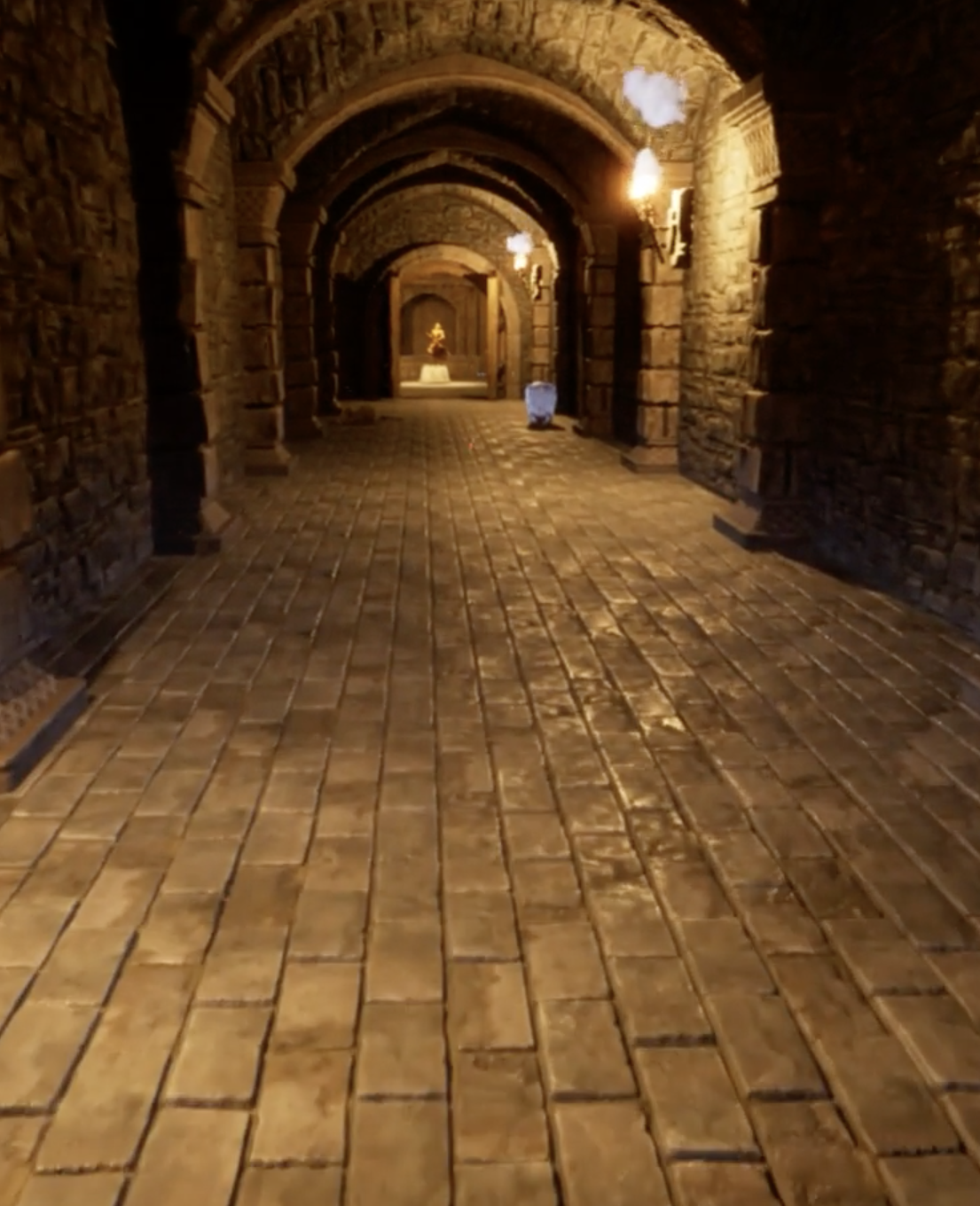
I created this game to improve my skills using modular level design. Using the asset pack I designed a dungeon and crypt where the objective of the game is to venture into the dungeon and retreive a valuable statue. During the process of making this game I learnt how to use line tracing and collisions as well as debug tools such as a debug sphere(as seen in the video above). I came across an issue where the item grabbed and dropped into the secret wall wouldnt trigger the wall to move down. I solved this by turning off physics to that particular item when it enters a certain area and "sticks" to the bottom surface. Below is the code for the "Grabber" component, where I used tags for when an item is grabbed and debug lines and spheres to see when something is picked up and released and to show the grabbable distance.
void UGrabber::BeginPlay()
{
Super::BeginPlay();
}
// Called every frame
void UGrabber::TickComponent(float DeltaTime, ELevelTick TickType,
FActorComponentTickFunction* ThisTickFunction)
{
Super::TickComponent(DeltaTime, TickType, ThisTickFunction);
UPhysicsHandleComponent* PhysicsHandle = GetPhysicsHandle();
if (PhysicsHandle && PhysicsHandle->GetGrabbedComponent())
{
FVector TargetLocation = GetComponentLocation() + GetForwardVector().GetSafeNormal()
* HoldDistance;
PhysicsHandle->SetTargetLocationAndRotation(TargetLocation, GetComponentRotation());
}
}
void UGrabber::Grab()
{
UPhysicsHandleComponent* PhysicsHandle = GetPhysicsHandle();
if (PhysicsHandle == nullptr)
{
return;
}
FHitResult HitResult;
bool HasHit = GetGrabbableInReach(HitResult);
if (HasHit)
{
UPrimitiveComponent* HitComponent = HitResult.GetComponent();
HitComponent->SetSimulatePhysics(true);
HitComponent->WakeAllRigidBodies();
AActor* HitActor = HitResult.GetActor();
HitActor->Tags.Add("Grabbed");
HitActor->DetachFromActor(FDetachmentTransformRules::KeepWorldTransform);
PhysicsHandle->GrabComponentAtLocationWithRotation(
HitComponent,
NAME_None,
HitResult.ImpactPoint,
GetComponentRotation()
);
}
}
void UGrabber::Release()
{
UPhysicsHandleComponent* PhysicsHandle = GetPhysicsHandle();
if (PhysicsHandle && PhysicsHandle->GetGrabbedComponent())
{
AActor* GrabbedActor = PhysicsHandle->GetGrabbedComponent()->GetOwner();
GrabbedActor->Tags.Remove("Grabbed");
PhysicsHandle->ReleaseComponent();
}
}
UPhysicsHandleComponent* UGrabber::GetPhysicsHandle() const
{
UPhysicsHandleComponent* Result = GetOwner()->FindComponentByClass();
if (Result == nullptr)
{
UE_LOG(LogTemp, Error, TEXT("Grabber requires a UPhysicsHandleComponent."));
}
return Result;
}
bool UGrabber::GetGrabbableInReach(FHitResult& OutHitResult) const
{
FVector Start = GetComponentLocation();
FVector End = Start + GetForwardVector() * MaxGrabDistance;
DrawDebugLine(GetWorld(), Start, End, FColor::Red);
DrawDebugSphere(GetWorld(), End, 10, 10, FColor::Blue, false, 5);
FCollisionShape Sphere = FCollisionShape::MakeSphere(GrabRadius);
FHitResult HitResult;
return GetWorld()->SweepSingleByChannel(OutHitResult, Start, End, FQuat::Identity,
ECC_GameTraceChannel2, Sphere);
}
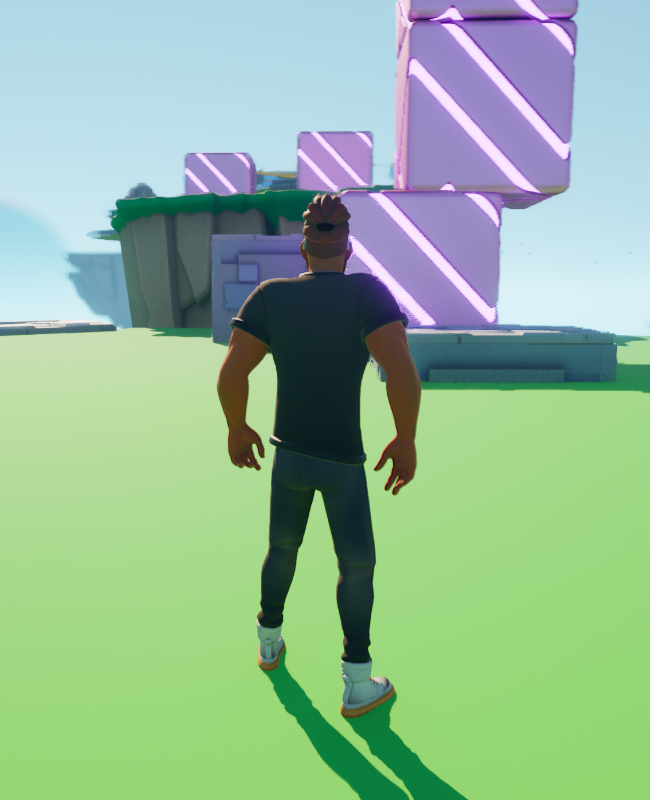
Here I learnt the basics of developing a game using blueprints and C++. I practiced functions, variables, branches in C++ and creating C++ Actors. I also, learnt how to link Blueprint to C++. Other than that I had a lot of fun designing an obstacle course for my character in this game. Below is the code for a moving platform.
AMovingPlatform::BeginPlay()
{
Super::BeginPlay();
StartLocation = GetActorLocation();
FString Name = GetName();
UE_LOG(LogTemp, Display, TEXT("BeginPlay: %s"), *Name);
}
// Called every frame
void AMovingPlatform::Tick(float DeltaTime)
{
Super::Tick(DeltaTime);
MovePlatform(DeltaTime);
RotatePlatform(DeltaTime);
}
void AMovingPlatform::MovePlatform(float DeltaTime)
{
if (ShouldPlatformReturn())
{
FVector MoveDirection = PlatformVelocity.GetSafeNormal();
StartLocation = StartLocation + MoveDirection * MoveDistance;
SetActorLocation(StartLocation);
PlatformVelocity = -PlatformVelocity;
}
else
{
FVector CurrentLocation = GetActorLocation();
CurrentLocation = CurrentLocation + (PlatformVelocity * DeltaTime);
SetActorLocation(CurrentLocation);
}
}
void AMovingPlatform::RotatePlatform(float DeltaTime)
{
AddActorLocalRotation(RotationVelocity * DeltaTime);
}
bool AMovingPlatform::ShouldPlatformReturn() const
{
return GetDistanceMoved() > MoveDistance;
}
float AMovingPlatform::GetDistanceMoved() const
{
return FVector::Dist(StartLocation, GetActorLocation());
}
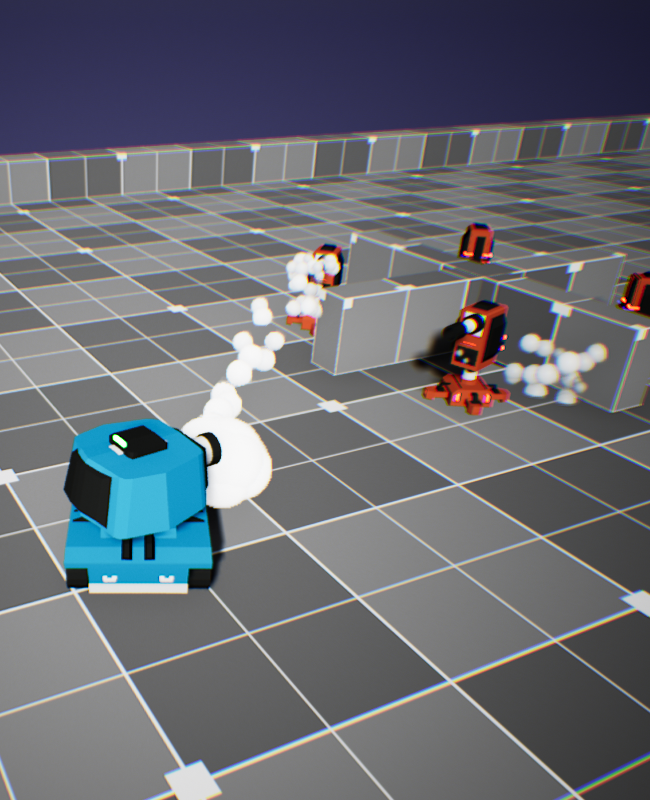
In this game, you control a small toon-like tank and move around like a tank would to try and shoot turrets, once all the turrets are destroyed you win the game, however the turrents lock onto you and shoot back when you come within range. While developing this game I learnt how to use a "fire" functionality with projectiles, add special effects like smoke, explosions and SFX and add enemy AI controlled turrets to the game. With various issues I encountered while making this game, one of them was the projectile getting stuck on the actor when clicking to fire. I found that it is common practice to spawn projectiles with a bit of distance from the actor so they do not get stuck. I find that experiencing and learning these kind of things helps me become a better game developer. Below is the code for a projectile.
AProjectile::AProjectile()
{
// Set this actor to call Tick() every frame. You can turn this off to improve performance
if you don't need it.
PrimaryActorTick.bCanEverTick = false;
ProjectileMesh = CreateDefaultSubobject(TEXT("Projectile Mesh"));
RootComponent = ProjectileMesh;
ProjectileMovementComponent = CreateDefaultSubobject
(TEXT("Projectile Movement Component"));
ProjectileMovementComponent->MaxSpeed = 1300.f;
ProjectileMovementComponent->InitialSpeed = 1300.f;
TrailParticles = CreateDefaultSubobject(TEXT("Smoke Trail"));
TrailParticles->SetupAttachment(RootComponent);
}
// Called when the game starts or when spawned
void AProjectile::BeginPlay()
{
Super::BeginPlay();
ProjectileMesh->OnComponentHit.AddDynamic(this, &AProjectile::OnHit);
if (LaunchSound)
{
UGameplayStatics::PlaySoundAtLocation(this, LaunchSound, GetActorLocation());
}
}
// Called every frame
void AProjectile::Tick(float DeltaTime)
{
Super::Tick(DeltaTime);
}
void AProjectile::OnHit(UPrimitiveComponent* HitComp, AActor* OtherActor, UPrimitiveComponent*
OtherComp, FVector NormalImpulse, const FHitResult& Hit)
{
AActor* MyOwner = GetOwner();
if (MyOwner == nullptr)
{
Destroy();
return;
}
AController* MyOwnerInstigator = MyOwner->GetInstigatorController();
UClass* DamageTypeClass = UDamageType::StaticClass();
if (OtherActor && OtherActor != this && OtherActor != MyOwner)
{
UGameplayStatics::ApplyDamage(OtherActor, Damage, MyOwnerInstigator, this,
DamageTypeClass);
if (HitParticles)
{
UGameplayStatics::SpawnEmitterAtLocation(this, HitParticles, GetActorLocation(),
GetActorRotation());
}
if(HitSound)
{
UGameplayStatics::PlaySoundAtLocation(this, HitSound, GetActorLocation());
}
if (HitCameraShakeClass)
{
GetWorld()->GetFirstPlayerController()->ClientStartCameraShake(HitCameraShakeClass);
}
}
Destroy();
}
No Copyright © Saurav.